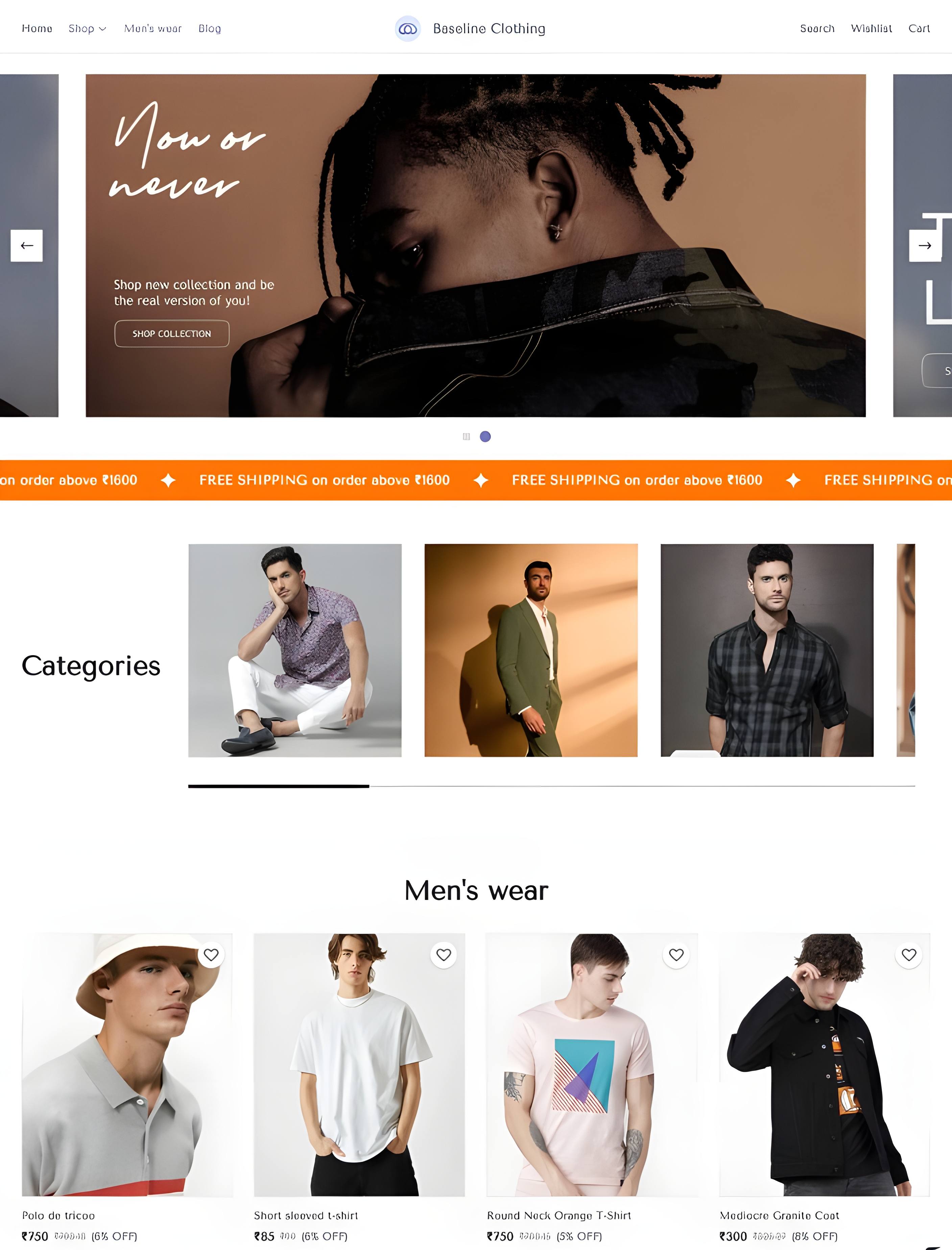
Launch your Online store in 02 Minuts! On your mobile
Start your online store with Dukaan and join the fastest eCommerce platform in India.
The global commerce platform, built for performance
Your Global Commerce Partner, Engineered for Peak Performance Launch your eye-catching online store with ease, attract and convert more customers than ever before.
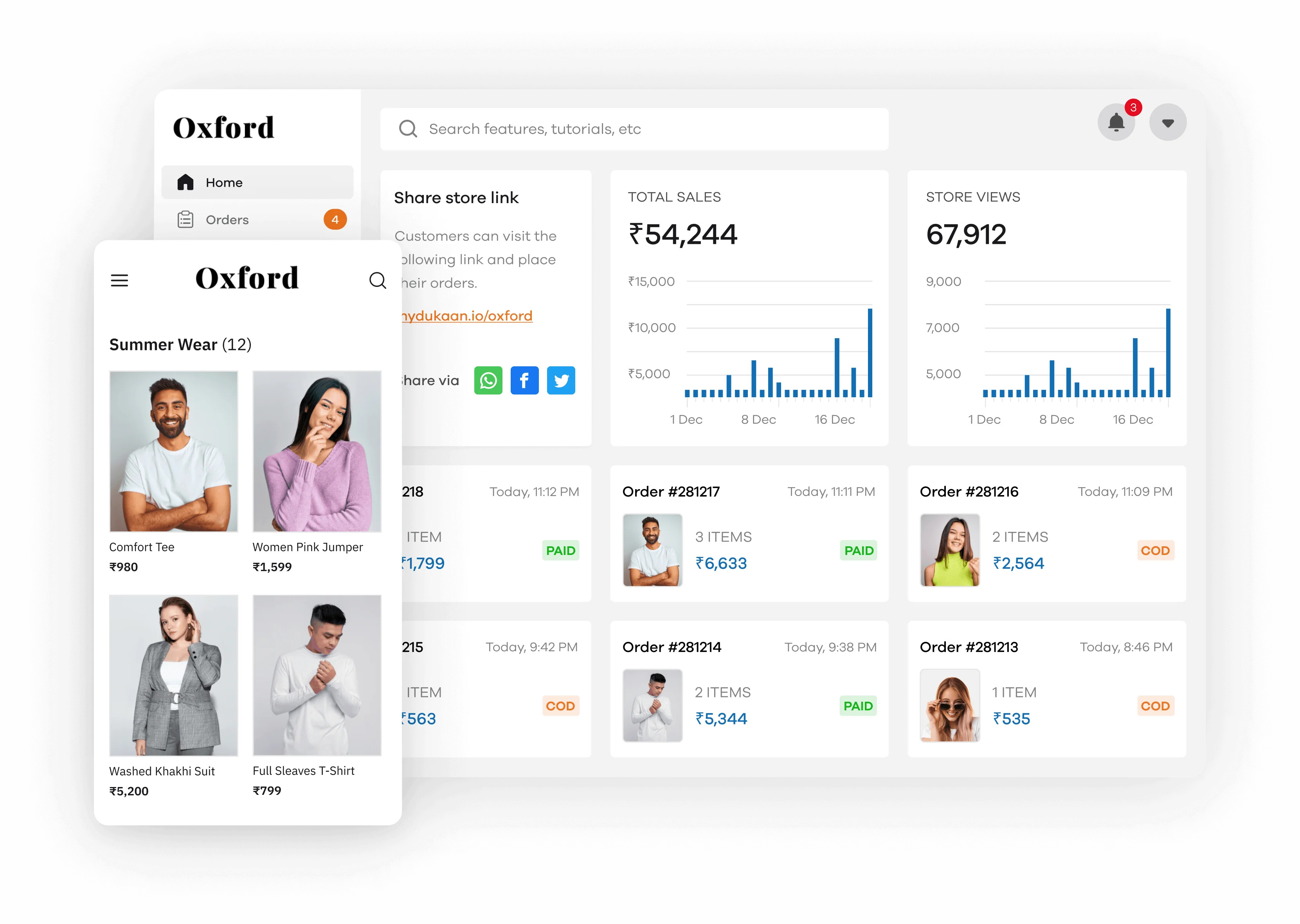

Top Features of Dukaan
Admin Dashboard
API Access
Order Management
Automated Tax
Returns & Replacement
Manual Payment
Optimized Checkout
Discount Coupons
Theme Editor
Multi-Language
WhatsApp API
SEO
Warehouse
Staff Accounts
OTP Login
Unlimited Hosting
3rd Party Plugins
Blogs
Payment Gateways

You can integrate Razorpay into your Dukaan store easily to accept online payments.
You can do this by adding your Razorpay API credentials to your Dukaan Payment setting inside your admin dashboard.
Razorpay has more no payment options including PayPal, EMI, and Pay Later functionalities.

You can add a PhonePe payment gateway to your Dukaan Store instead of using Dukaan Pay.
PhonePe is currently offering a 0% transaction fee for all UPI transactions to its merchants.
You can easily integrate PhonePe once you have signed up by adding your Salt key, Salt Index and Merchant Id.

Dukaan enables you to accept COD payments via your online store.
Once the customer chooses to pay via COD. You can either use Dukaan Delivery, Shiprocket, or Shipping Partner or self-ship the order to fulfill them.
You can also choose to auto-accept your COD order, your pre-paid order, or both.
Dukaan Pay is an inbuilt payment gateway offered by Dukaan. You can easily start accepting online orders within minutes of opening your store by just adding your UPI ID or Bank details.
Dukaan Pay's payment gateway fee is currently set to 1.99% which is less than the industry standard set by other payment gateways.
Dukaan Pay currently accepts Credit, debit, UPI, EMI, net banking, etc.
You will receive the Payouts from Dukaan to your UPI or Bank 3 times a day upon successful verification.
Delivery Partners

Dukaan Delivery is a built-in Delivery service provided by Dukaan. Once you have added your warehouse details. You will be able to ship your order directly within your Dukaan Dashboard to your customer address with just 2 clicks.
The pricing for the delivery will be calculated and showcased inside your order dashboard. With Dukaan Delivery you can easily accept COD order and deliver them to the customer address.

You can easily ship orders from your Dukaan store using Shiprocket.
Shiprocket enables you to easily ship your order using their vast aggregated delivery network which lets you service a wide variety of pincodes inside India.
With this, you can compare and choose the shipping company that best suites your requirements.
Once you signed up for your shiprocket account. You can easily integrate them inside the settings panel of your Admin Dashboard.
Shipping Partners
Dukaan enables your Shipping partner to directly ship your order by providing direct integration with the largest logistics companies in India.
You can choose the warehouse where you want to ship from and connect with your shipping partner to ship your orders.
Currently, the available Shipping partners include Delhivery, Xpressbees, and Bluedart.

Self Ship
If your shipping partner is not listed on either Shiprockets or the partner account. You can choose to self-ship your orders manually.
Dukaan lets you update the order status to Shipping and lets you add the tracking link and ID for your customers to easily track your order status.
You can manually add the tracking link one by one or bulk update the order status inside your Dukaan's admin dashboard.
Be it a startup or a legacy business, here’s why you need Dukaan
Launch Fast
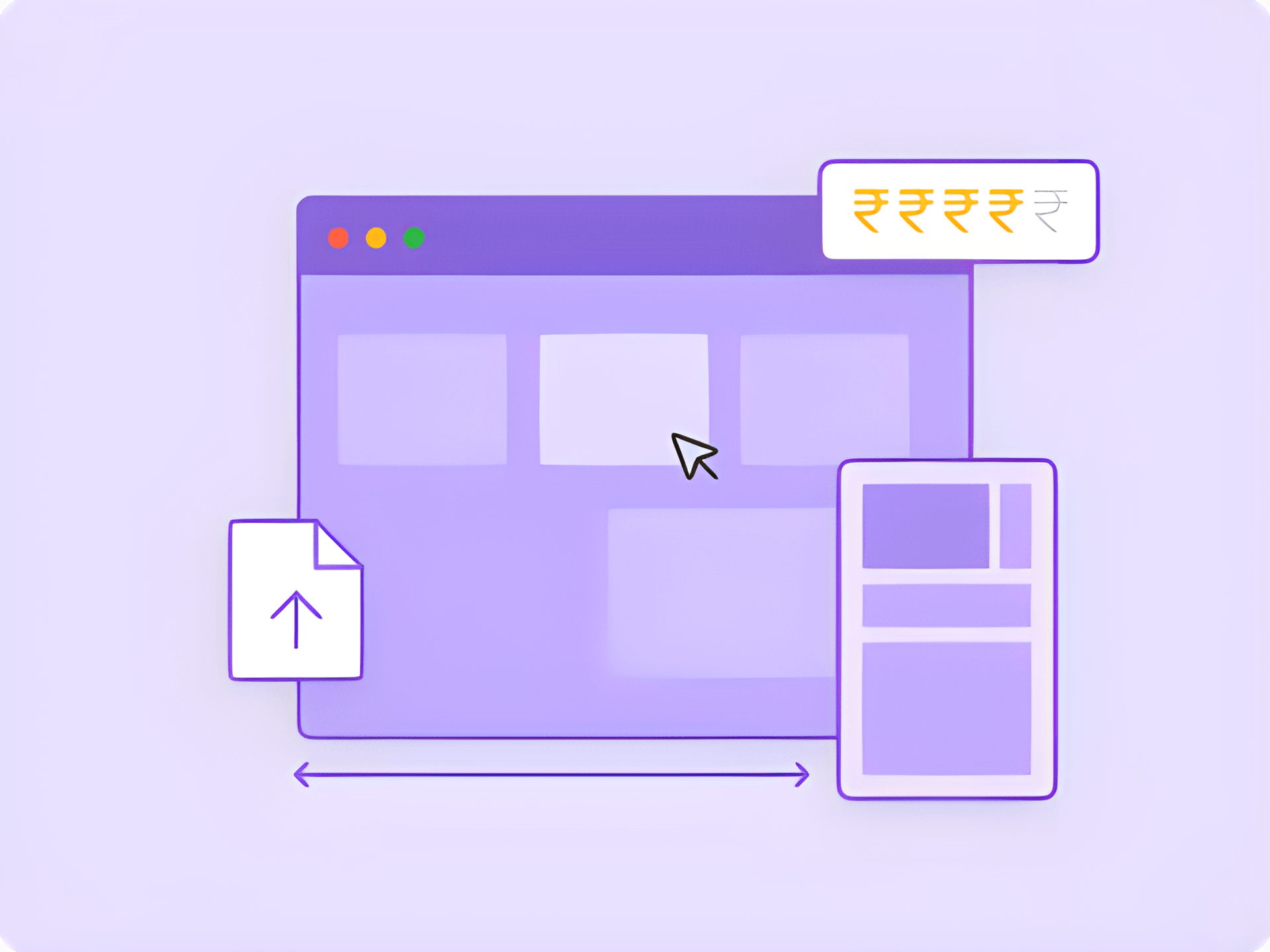
Fully responsive e-commerce website & mobile app.
Loads 6X faster than existing solutions.
Upload/import products and inventory in bulk.
Integrate payment gateways.
Easily customizable themes.
Manage Better
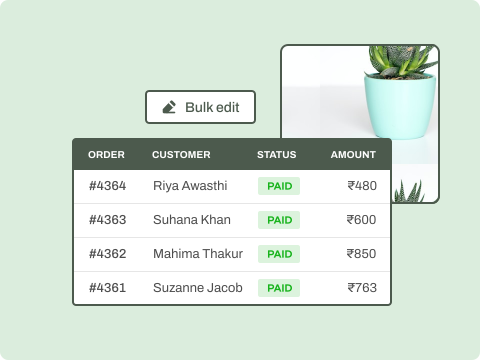
Bulk edit product prices, variants, inventory.
Order tracking, invoicing and order reports.
Manage global deliveries.
In-depth business analytics.
Automate all tax calculations.
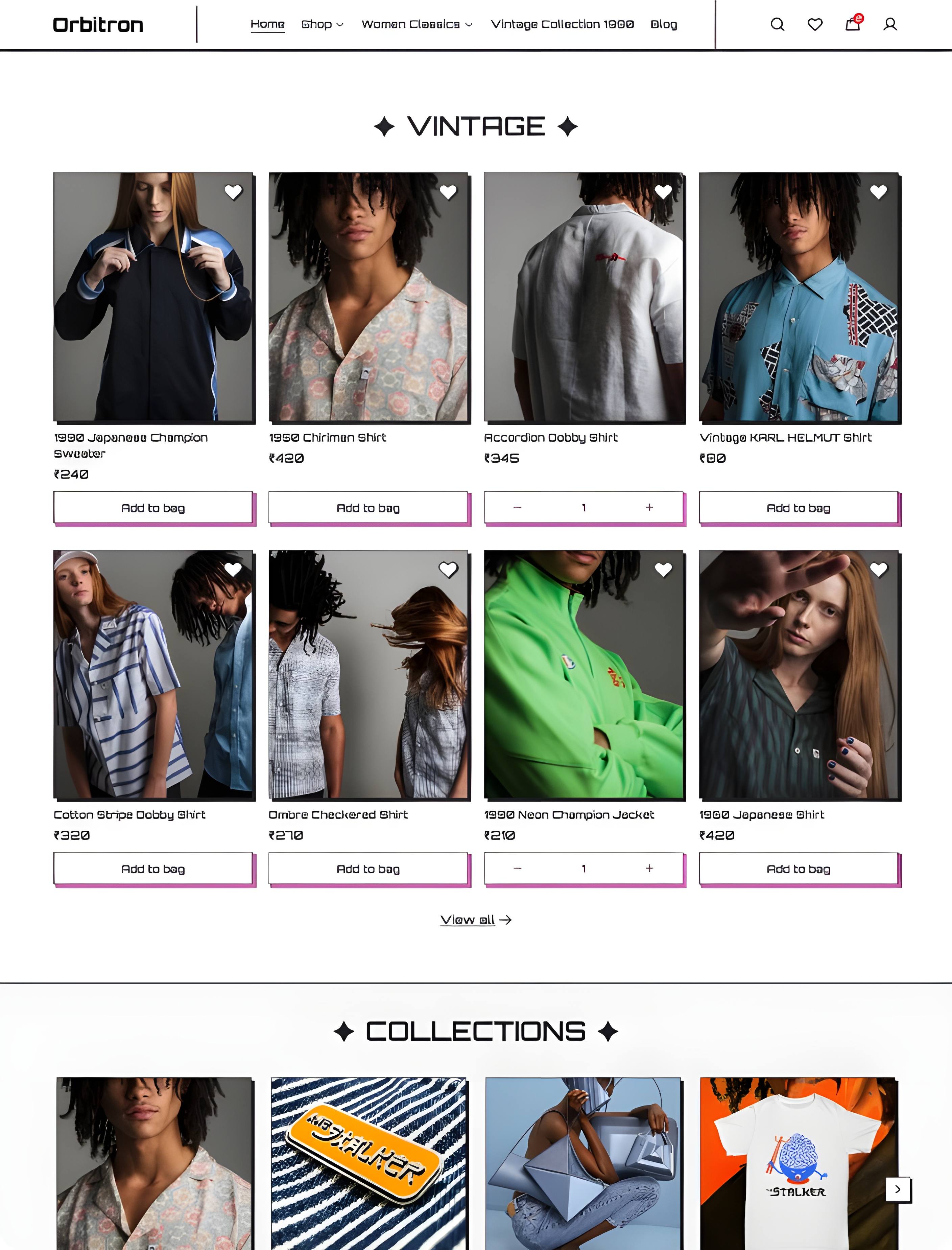
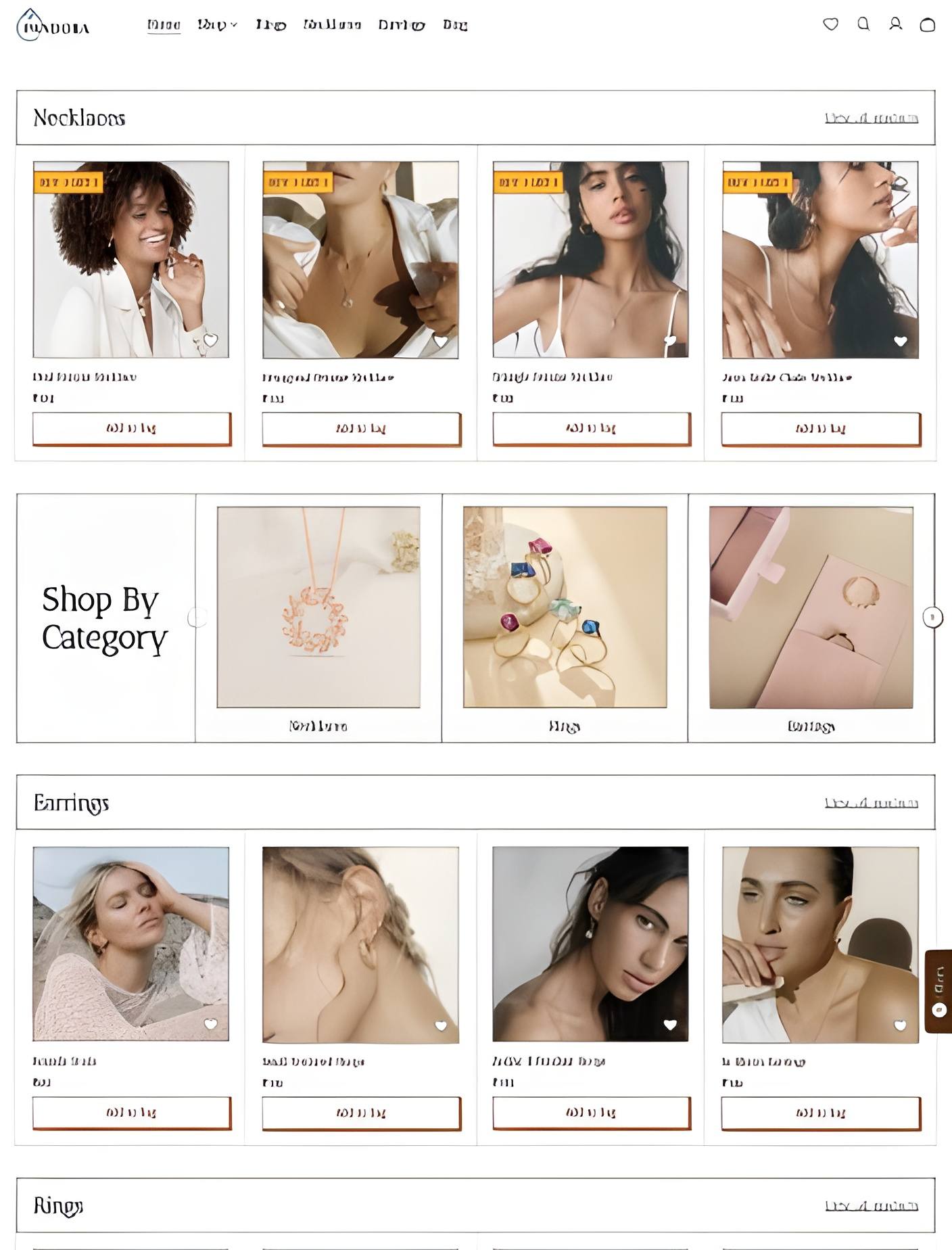
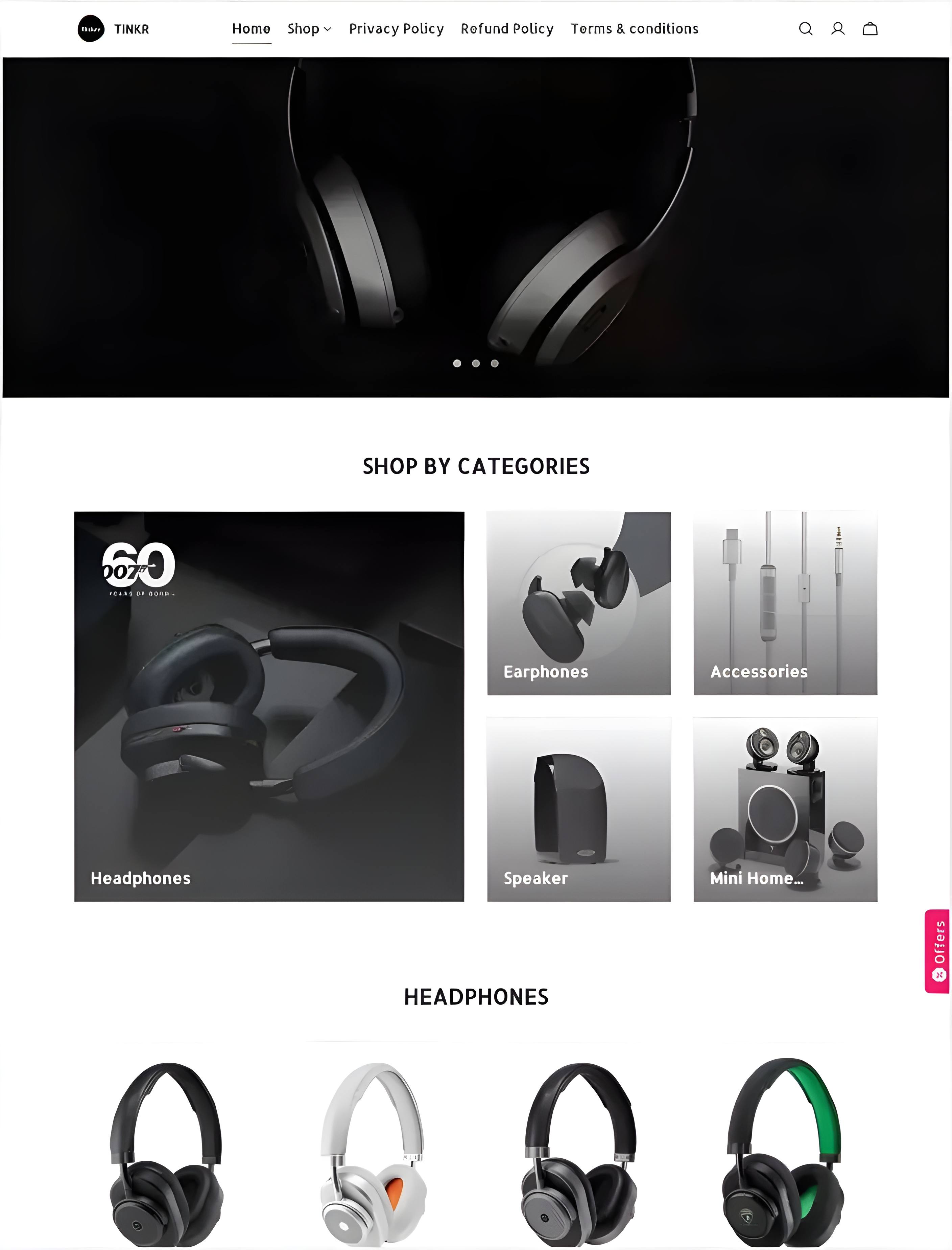
Kickstart your online store with these themes

Amaze

Hawaii

Tinker

Helsinki

Ursa

Enigma

Mana
Nirvana

Oxford
Leo
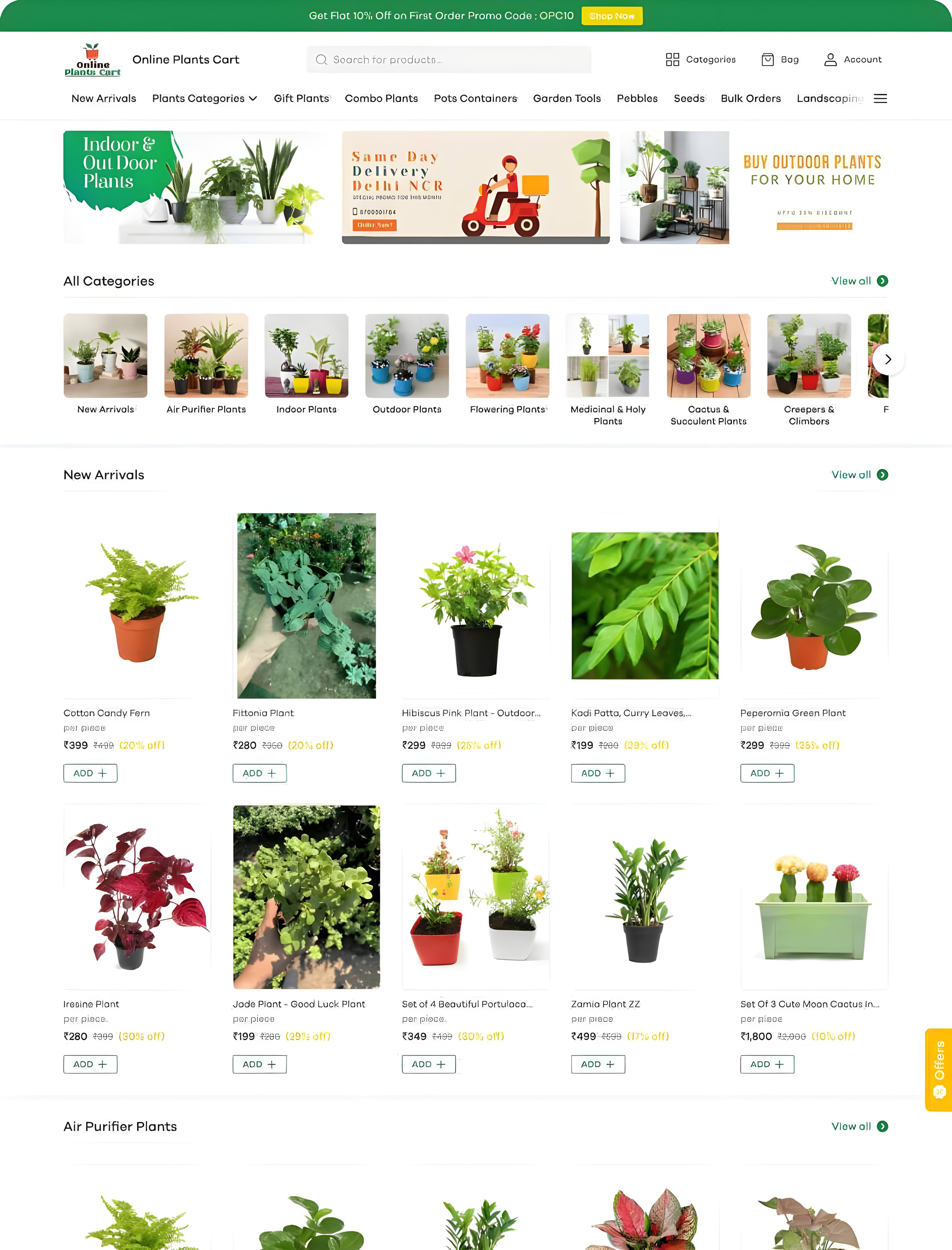
Matrix
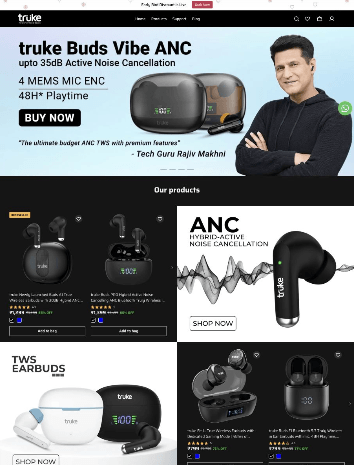
Meteora

Dukaan Plugins


What our customers are saying
From beginners to enterprise brands, everyone loves Dukaan!

“Ecommerce tech for amazing experience!”
Dukaan has greatly enhanced our customers’ shopping experience. We now offer a faster & more streamlined checkout, user-friendly interfaces and advanced features. Dukaan has strengthened our commitment to providing exceptional experiences to our customers.

Sudeep Bansal
VP of Growth of WOW Skin Science


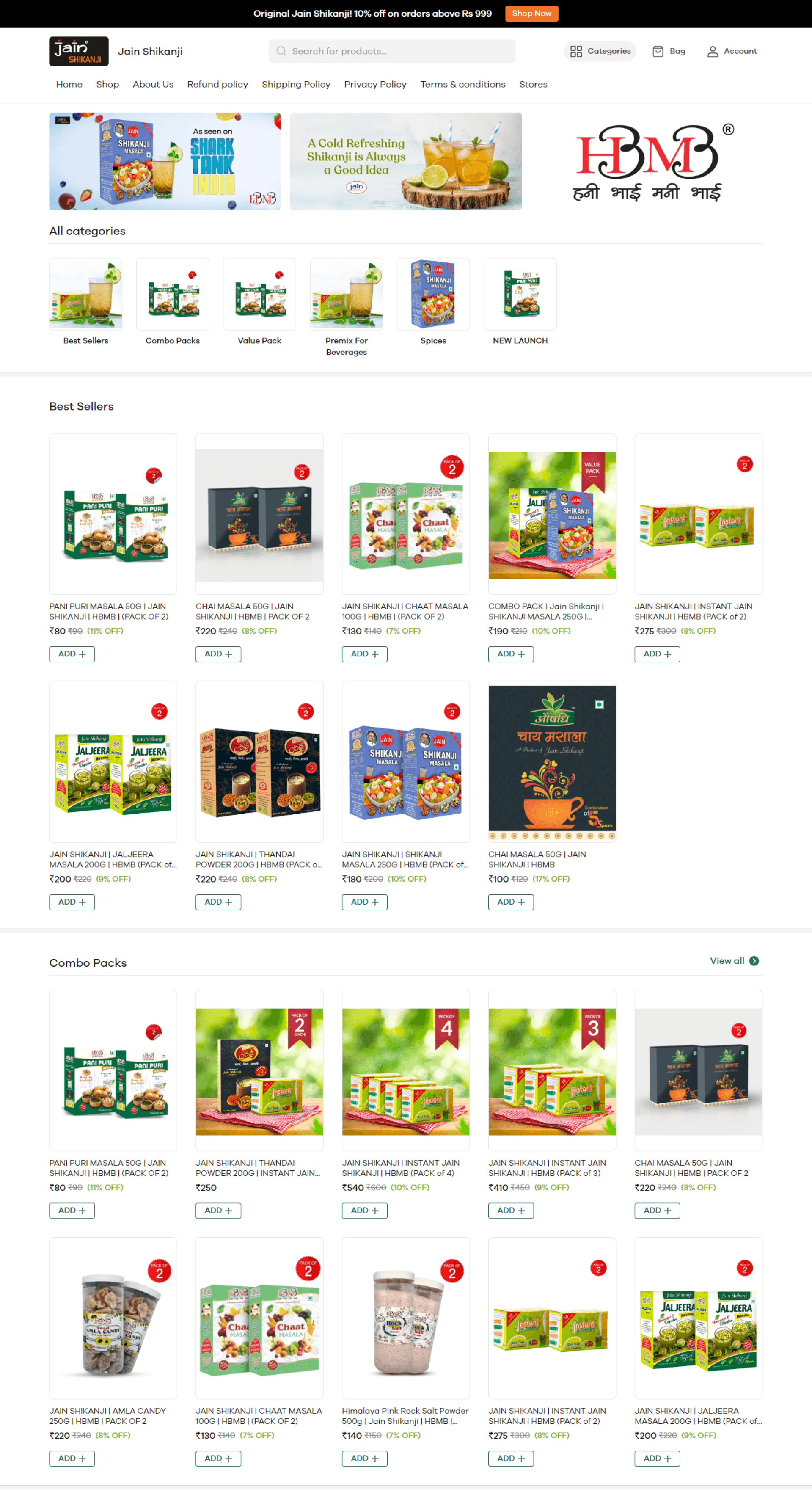
“30x orders after Shark Tank India!”
Dukaan's team helped us navigate post Shark Tank India and is always very prompt and pro-active. I love how easy their interface is. My experience selling through Dukaan has been seamless and great!

Anubhav Jain
Co-Founder & CEO, Jain Shikanji
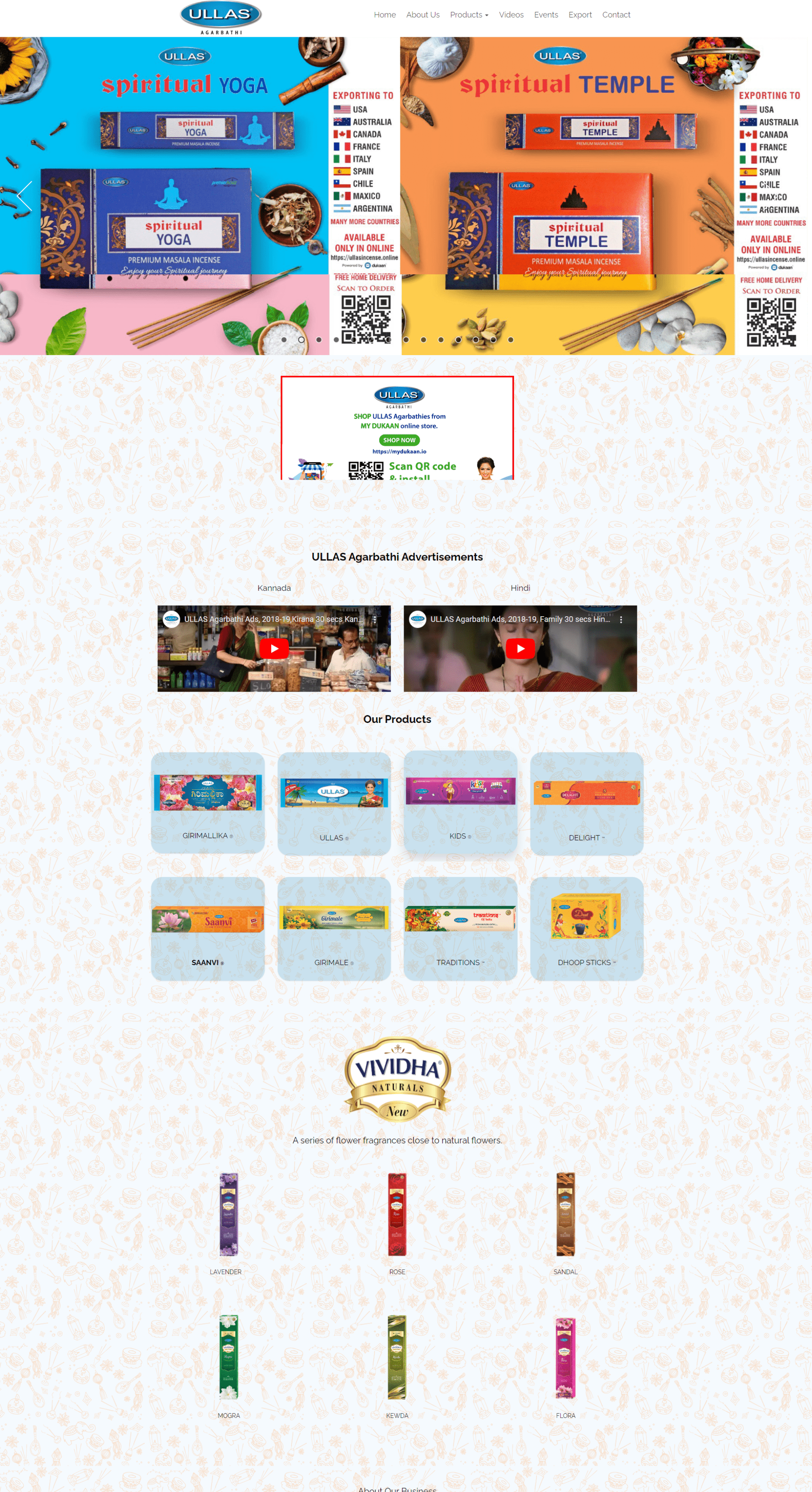
“Easy, effective and convenient!”
I tried many “so called” ecommerce platforms, but they were all so complicated. Dukaan is super easy. I can manage my store from my phone just like using WhatsApp. Magical!

Somashekar Patil
Owner, Ullas Agarbathi

“Substantial rise in our business metrics!”
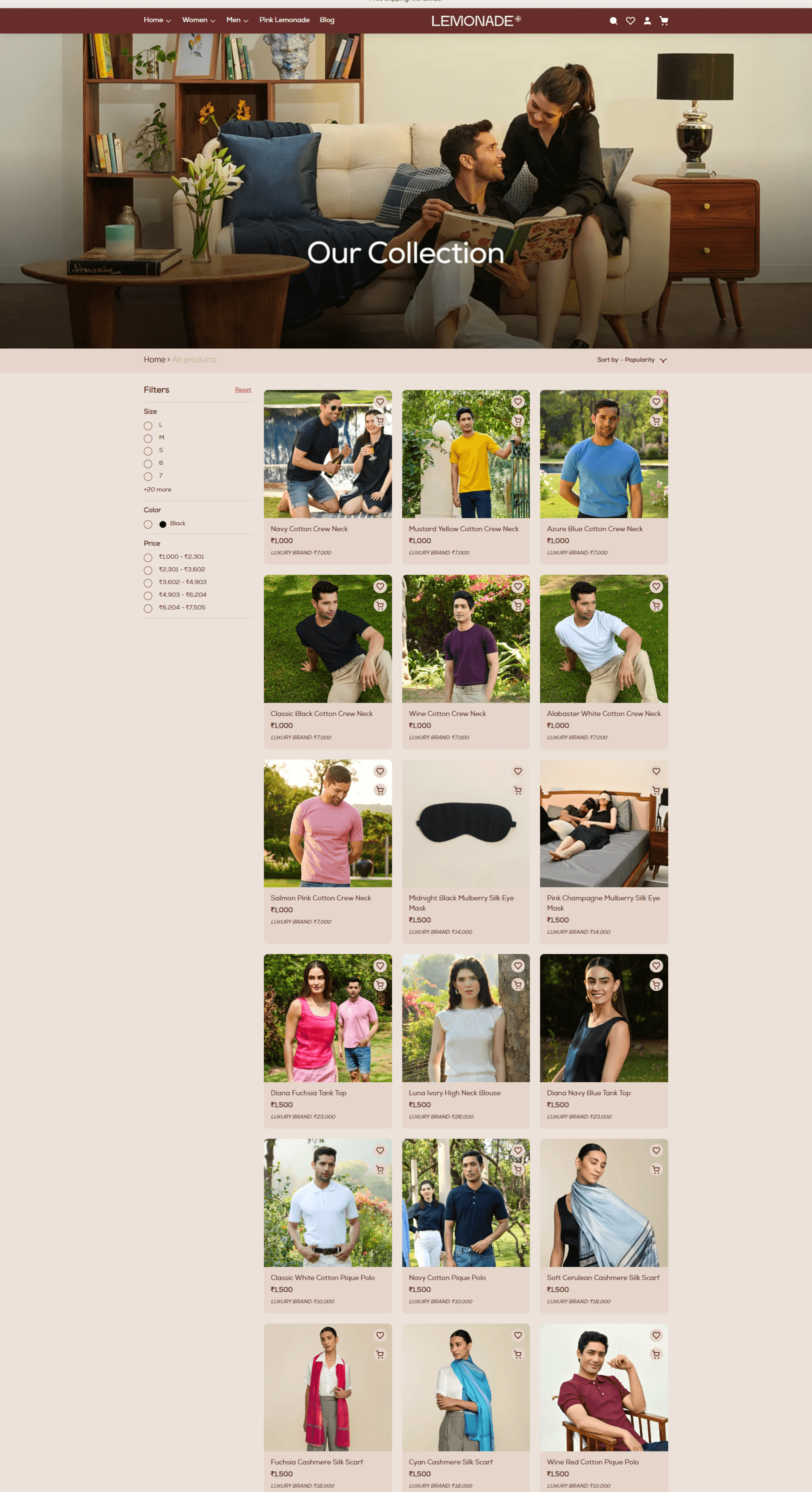
Mindblown by our experience with Dukaan! Within 10 days of going live, we’ve seen a 27% increase in website traffic, 25% CAC improvement ,and an instant 52% daily revenue growth.

Sambuddha Bhattacharya
Founder & CEO, Lemonade

FAQ's
Hi, if you have questions or at any point you’re confused or too annoyed to dig through this page to find the answer you’re looking for, just email us at support@mydukaan.io

FREE MASTERCLASS
Admin App
You can easily manage your store right from your mobile device using the Dukaan admin app.
This admin is available on both Android and IOS app stores.
You can easily accept orders, update orders, and contact your customers right from your Dukaan Admin app.
API Access
Dukaan recently added an API feature to all of its stores.
With API access you easily do custom development with your store and extend your store functionality.
You can currently interact with Products, categories, Orders, Discounts, Audiences, Inventory with this API Access.
You can easily get your store Auth code inside your Dukaan admin dashboard.
Order Management
Inside your Dukaan's admin dashboard. You can easily manage your orders with a simple and easy-to-use interface.
You can mark your orders as ACCEPTED, REJECTED, SHIPPED, CANCELLED, DELIVERED, FAILED and so on.
You can easily add Tags to your order along with adding order notes for easy management.
Automated Tax
Dukaan has in-build functionality to add GST to your final bill along with accurately calculating the TAX for entire orders.
You simply need to enter your GST number and add the tax percentage to the settings section of the admin dashboard to enable this feature.
Alternatively, you can choose to include the TAX amount in your final price as well for your customers.
Returns & Replacement
With this feature, you can easily Set up returns and replacements for your delivered orders and manage them easily from your Dukaan dashboard.
You can allow your customers to Return order items which means they can return the delivered order items.
You can also choose to replace their items which lets your Customers replace the delivered order items with the same item or its variants.
Manual Payment
Manual Payments enable you to easily share your bank details right inside the checkout.
With this enabled you will be able to manually verify the payment from your customer and then proceed to accept their order inside your Dukaan Store.
This feature is highly useful if you accept large sums of payment from your online store.
Optimized Checkout
Optimized checkouts help you increase your average order value without needing to subscribe to expensive checkout software.
Dukaan has its default checkout which is optimized for higher conversion with easy-to-fill form fields, upsells, and discount codes right inside your checkout.
It also saves your customer address for instant and easy order checkouts along with OTP login or Guest checkout.
Discount Coupons
With Discount Codes, you will be able to provide discount to your customer via codes that can be made visible to your website visitors.
Discount codes feature inside Dukaan help generate more sales by offering attractive discounts to your customers.
There are currently 6 different types of Discount Coupons which includes percentage discount, Flat discount, Buy X and Get Y Free, Freebie, Free Shipping, & Loyalty Points
Theme Editor
Dukaan has a built-in theme editor that lets you customize your store's looks and functionality using basic HTML, CSS, and Javascript.
You can find your theme code editor inside the customize sections of your enabled theme.
The changes made can easily be verified using a staging site for your store which is automatically created for you making it easy to customize your store without disturbing your active store.
Multi-Language
Dukaan enables you to easily convert your store to your native languages.
You can enable this feature under the settings panel of your Dukaan dashboard.
Dukaan currently supports all India languages along with some foreign languages as well.
WhatsApp API
You can easily connect your Dukaan store to your WhatsApp Business API to send out order details notifications.
With simple integration with your Interakt account. Your customers can now receive order updates from your business WhatsApp account.
Apart from this, you can also use a Dukaan WhatsApp account to send out order updates if you don't already have your WhatsApp business API in place.
SEO
Dukaan's built-in SEO feature help you to be on track with Google SEO Standard by having the ability to add Meta title, Meta Description and Social Share images which help you standout on both Google and other social media channels.
Dukaan SEO also generated your stores sitemap which lets google to easily crawl your website along with generating the robots.txt file
Warehouse
You can add up to 10 Warehouses to your Dukaan Store. Warehouses are places from where you plan to ship your orders and organize and oversee your inventory storage details.
For adding the warehouse. Visit settings -> Warehouse.
Enter your Warehouse name, contact personal name, mobile number, and full address to finalize and add your warehouse.
Staff Accounts
Our Dukkan Lifetime plan offers up to 10 STAFF Accounts.
The Different types of Staff account Roles include
1. Admin - Can access all the features of your store dashboard.
2. Manager -Can access all the features of your store dashboard except Payouts, Account & Report.
3. Staff - Can access only the order and delivery features of your store dashboard.
OTP Login
OTP login easily lets your customers log in to your website and track their orders. Unlike Shopify where you would have to use a traditional login with email and password. OTP login ensures easy login with multi-factor authentication.
In Shopify, you would traditionally opt for a social login plugin which can cost up to 10 USD per month. However, an OTP login is included with the store purchase.
OTP login is ideal for Indian eCommerce as it is used by almost all the major eCommerce stores.
Unlimited Hosting
Unlimited Hosting lets you forget about the monthly recurring cost of Hosting unlike your traditional WordPress website. You will also not be charged for the extra resources your store may use when your store traffic increases.
Once you get your store, you will not be charged again for hosting your store. This greatly reduces your monthly operational cost and ensures seems experience for your customers.
3rd Party Plugins
You can easily extend your store functionality with first party as well as 3rd party plugins available for Dukaan inside their plugins section of the admin dashboard.
Dukaan currently has 85 Plugins which include Mailchimp, wishlist, hello bar, Google Merchant center, Facebook server-side events and so on.
Blogs
You can easily add a blog to your Dukaan store by navigating to the appearance section inside your Dukaan Dashboard.
You can easily add a blog to your Dukaan store by navigating to the appearance section inside your Dukaan Dashboard. With a rich text editor similar to your Google Doc. You can easily add Headlines, Paragraphs, and images to your blog and spice things up.
You can easily add links to your blog back to your products on the store, which results in increased relevancy in Google's eyes and may increase your search rankings.